1.安装 node.js
链接:http://pan.baidu.com/s/1o7W7BIy 密码:y6od
一路next
我安装在F:\Program Files\node.js下
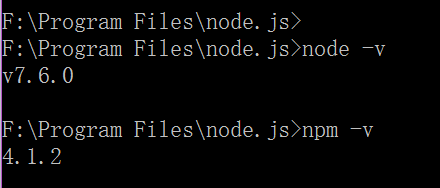
2.检查node.js和npm是否安装成功
-
命令行:node -v
-
命令行:npm -v
建议把npm的仓库切换到国内taobao仓库,
注册cnpm命令,如下
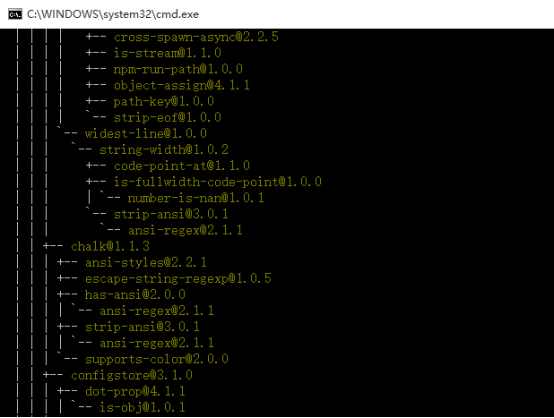
npm install -g cnpm --registry=https://registry.npm.taobao.org
3. Electron的安装
cnpm install -g electron
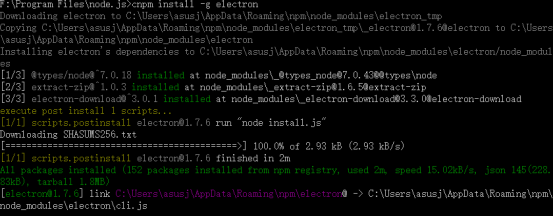
electron是否安装成功可通过命令 electron -v 查看。

4. 打包输出工具
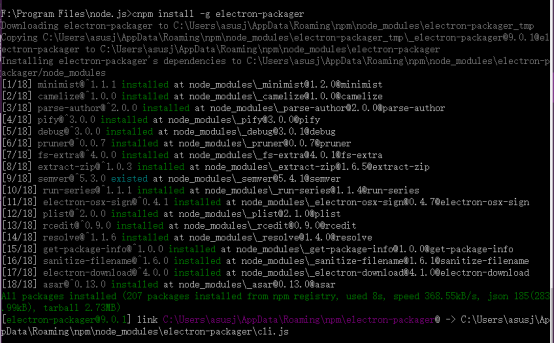
cnpm install -g electron-packager
5.electron 客户端工具
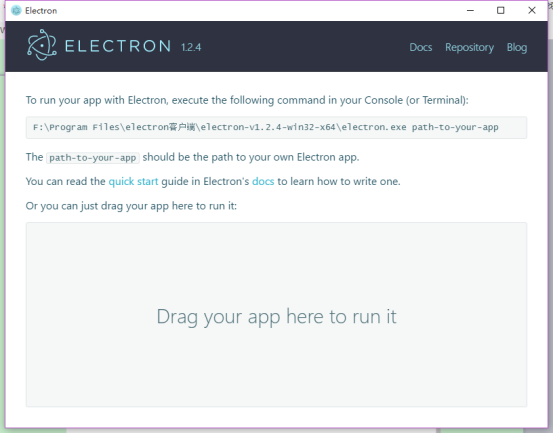
Electron.exe
链接:http://pan.baidu.com/s/1mieJnLI 密码:x2i8
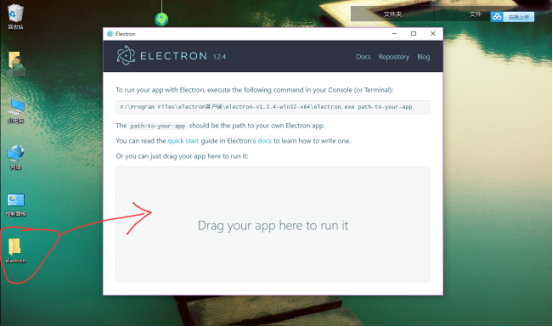
安装完成双击electron.exe文件
6.新建一个程序
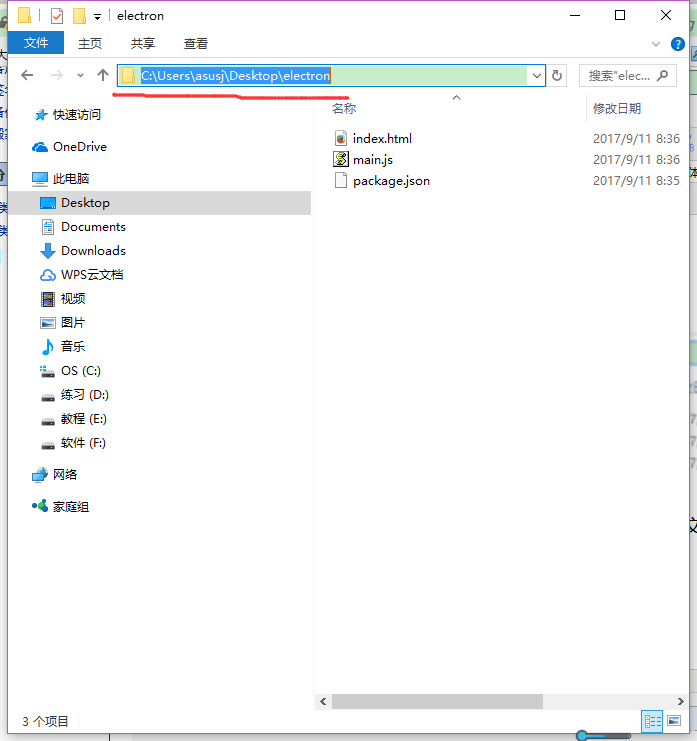
新建一个文件夹,命名为electron,在文件夹目录下,创建三个文件,package.json,main.js,index.html
文件夹目录的结构如下:

package.json
main.js
const electron = require('electron');
// Module to control application life.
const {app} = electron;
// Module to create native browser window.
const {BrowserWindow} = electron;
// Keep a global reference of the window object, if you don't, the window will
// be closed automatically when the JavaScript object is garbage collected.
let win;
function createWindow() {
// Create the browser window.
win = new BrowserWindow({width: 800, height: 600});
// and load the index.html of the app.
win.loadURL(`file://${__dirname}/index.html`);
// Open the DevTools.
win.webContents.openDevTools();
// Emitted when the window is closed.
win.on('closed', () => {
// Dereference the window object, usually you would store windows
// in an array if your app supports multi windows, this is the time
// when you should delete the corresponding element.
win = null;
});
}
// This method will be called when Electron has finished
// initialization and is ready to create browser windows.
// Some APIs can only be used after this event occurs.
app.on('ready', createWindow);
// Quit when all windows are closed.
app.on('window-all-closed', () => {
// On OS X it is common for applications and their menu bar
// to stay active until the user quits explicitly with Cmd + Q
if (process.platform !== 'darwin') {
app.quit();
}
});
app.on('activate', () => {
// On OS X it's common to re-create a window in the app when the
// dock icon is clicked and there are no other windows open.
if (win === null) {
createWindow();
}
});
// In this file you can include the rest of your app's specific main process
// code. You can also put them in separate files and require them here.
index.html
<!DOCTYPE html>
<html>
<head>
<meta charset="UTF-8">
<title>Hello World!</title>
</head>
<body>
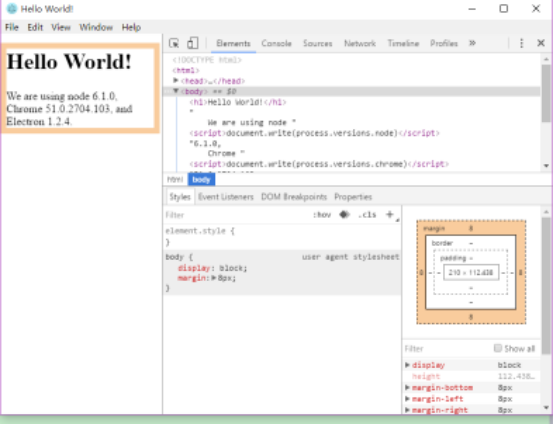
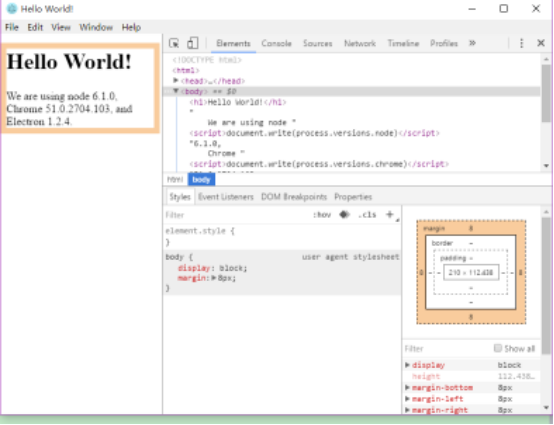
<h1>Hello World!</h1>
We are using node <script>document.write(process.versions.node)</script>,
Chrome <script>document.write(process.versions.chrome)</script>,
and Electron <script>document.write(process.versions.electron)</script>.
</body>
</html>
7.运行程序
两种方法
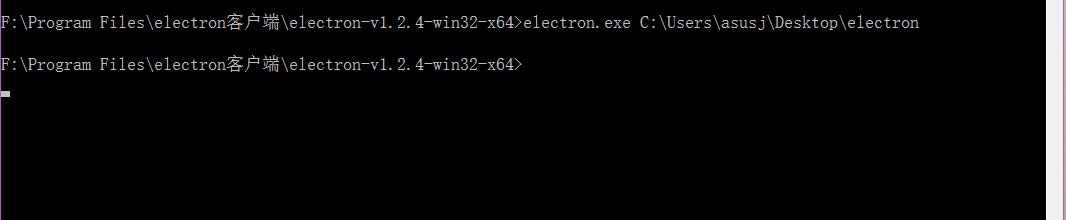
1.命令行
在cmd里面写

Electron.exe安装路径
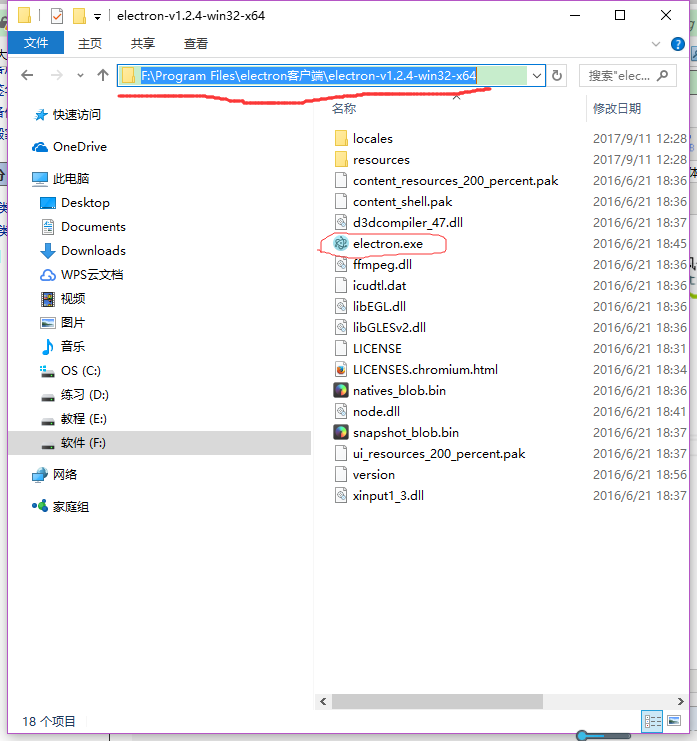
自己的文件夹的路径
2.拖
把你写的文件夹直接拖到electron.exe里面。